William Tyler
Game Artist and Animator
2D Art
This page shows some of the 2D Art I made for various projects
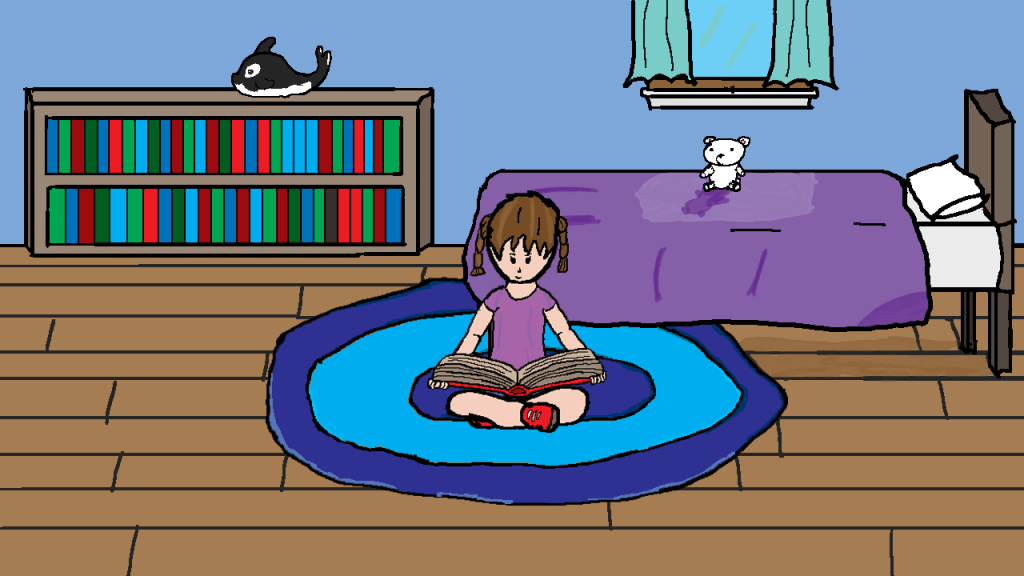


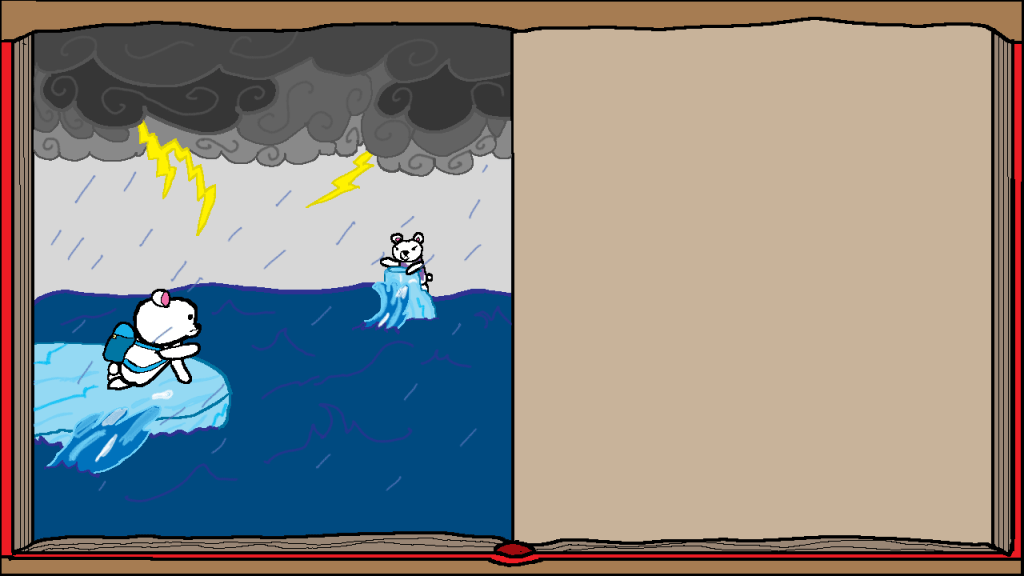
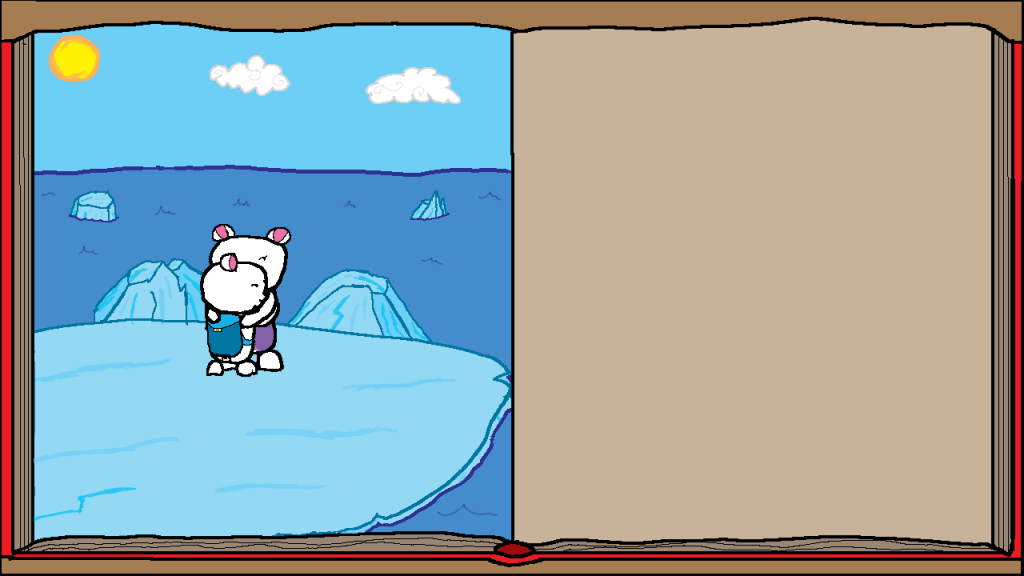
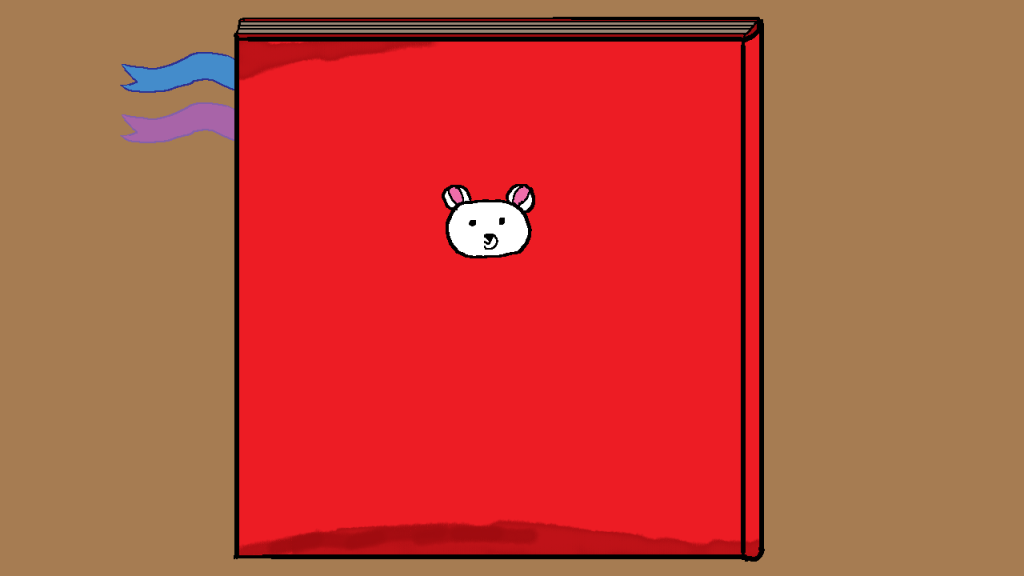
Artwork for Time Teddy
This is the various artwork I made while working on Time Teddy. The piece with the girl reading the book was used for the game’s titlescreen, the next three were used for the game’s opening cutscene, and the last two were use for the ending cutscene. I was proud of how these turned, and were my main contribution to the game.




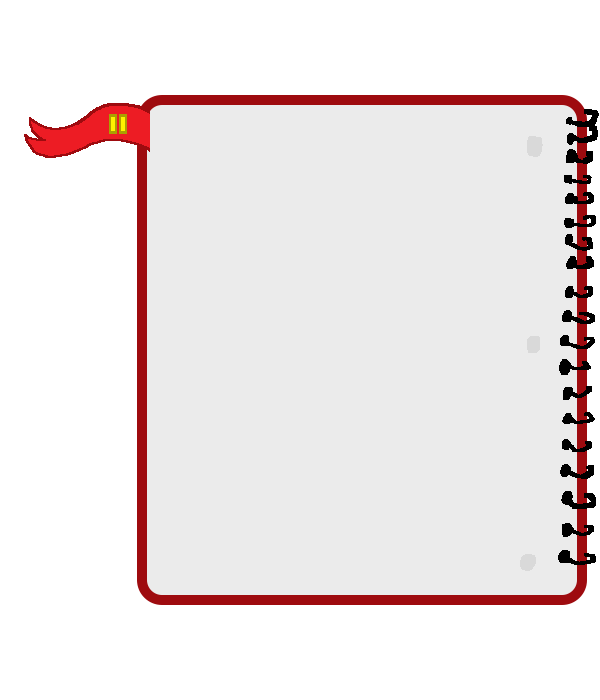





UI Art for Time Teddy
This is some of the UI I made for Time Teddy. The flags for present and future are to help show the player which point in time they were. They also showed where the player should travel between the present or the future. The blue rectangle was used for the play button on the main menu, and the notebook was used for the pause menu. The progress bar was used for collecting evidence to show to the scientist. The book icon was made on request from the team members.



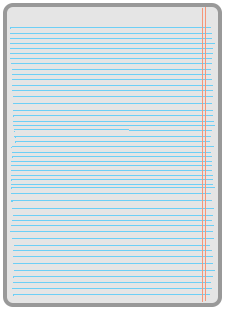


Computer Panel UI for Time Teddy
This UI Art was made specifically for the panel, a computer screen used for investigating the cause of sudden change in climate. The first few are the trays to place the evidence you’ve collected. The paper from what I could tell was used for notes, along with other pieces of evidence. The last one is a computer screen.
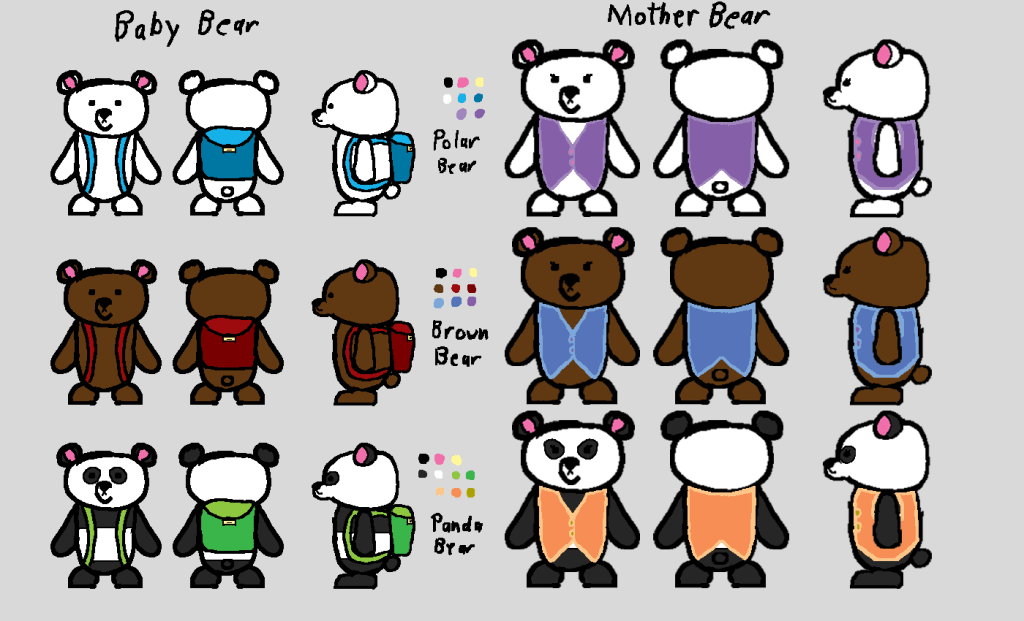
Concept Art for Teddy and his Mother
This is the concept art I made for Teddy and his mother. We originally planned on having three levels, each with a different bear, but due to time, we ended up making one level with the polar bears. I also had three ideas for what Teddy’s Mom would wear, these being a vest, an apron, and a scarf. We decided to go with the vest which you see in the build.

Paper Background Concept Sketch from Mason Mayhem
This sketch was used as a base for the Pond stage of Mason Mayhem. As the pond was the paper character’s stage, it hand drawn traditionally before I scanned it onto my computer. I adjusted the size to better fit the screen of the Winnitron machine (a refurbished arcade cabinet programmed to run original games) before handing it over to Veronika to apply a notebook paper effect to it as well as clean up.


Paper Character from Mason Mayhem
I was tasked with creating the paper character for Mason Mayhem. The character itself was hand drawn on trace paper and photographed behind notebook paper to try to give it a school doodle feel to it. The frames were scanned into my computer where I isolated each frame and adjusted to better fit the character. I started coloring in the character before being moved to sound.
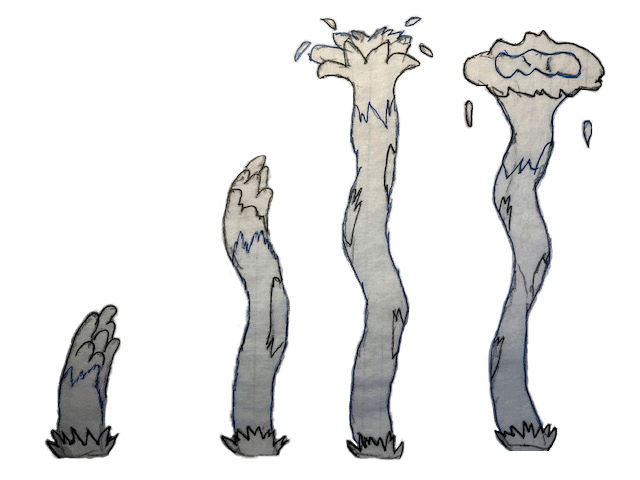

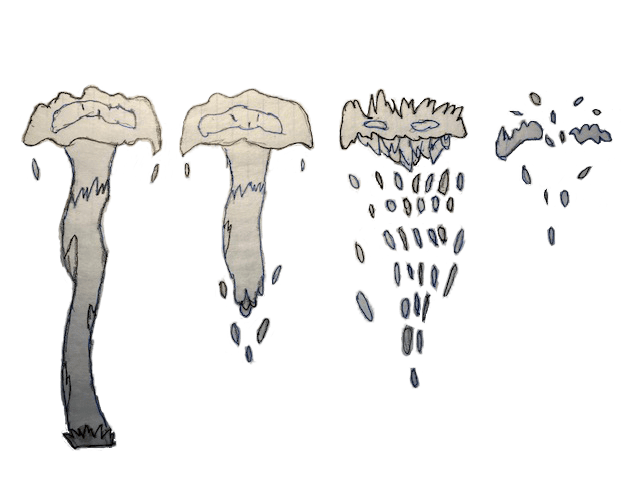

Water Spout Hazard from Mason Mayhem
These frames make up the water spout hazard for Mason Mayhem pond level. Like the paper character, each frame was hand-drawn on tracing paper and photographed behind notebook paper. I used Adobe Photoshop to isolate each frame and adjust them accordingly.
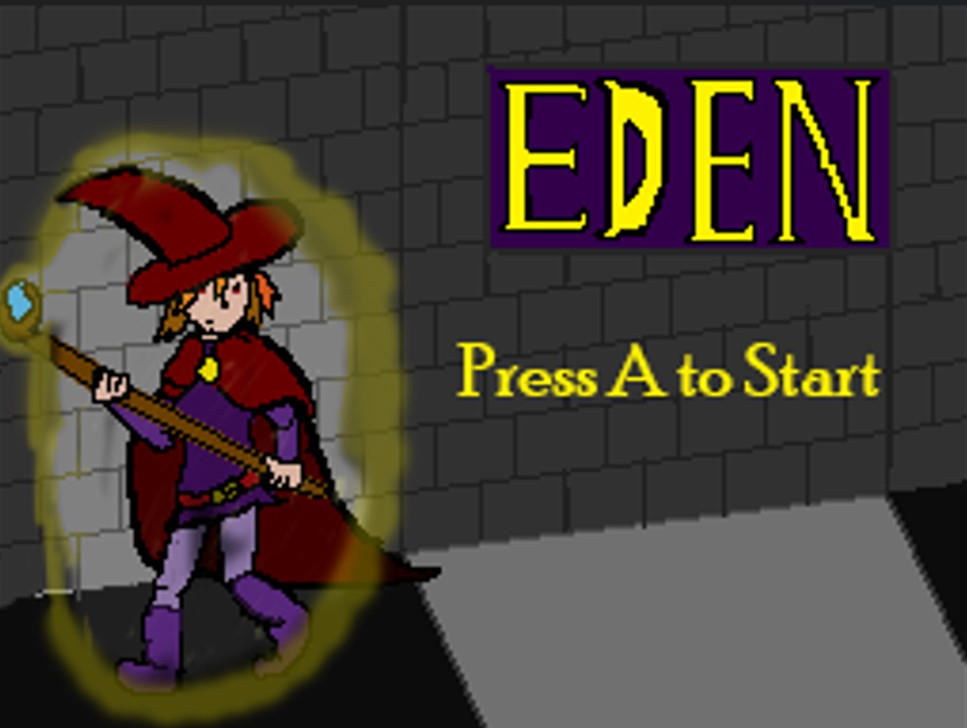
Eden Titlescreen
This is the titlescreen I made for a puzzle game called Eden. In it, you play as a young witch solving puzzles in order to escape an ancient ruins. The original image was made the size of a Nintendo DS screen, so I had to resize this a bit. When making this I started with the character, before moving on to the background. The floor was based on the original floor we had, but switched back to my custom one upon realizing that the black and white tiles looked a little too close to the default texture of unity. I originally made spots where custom buttons would be placed before I was told to replace it with “Press A to Start”.
Eden Winscreen
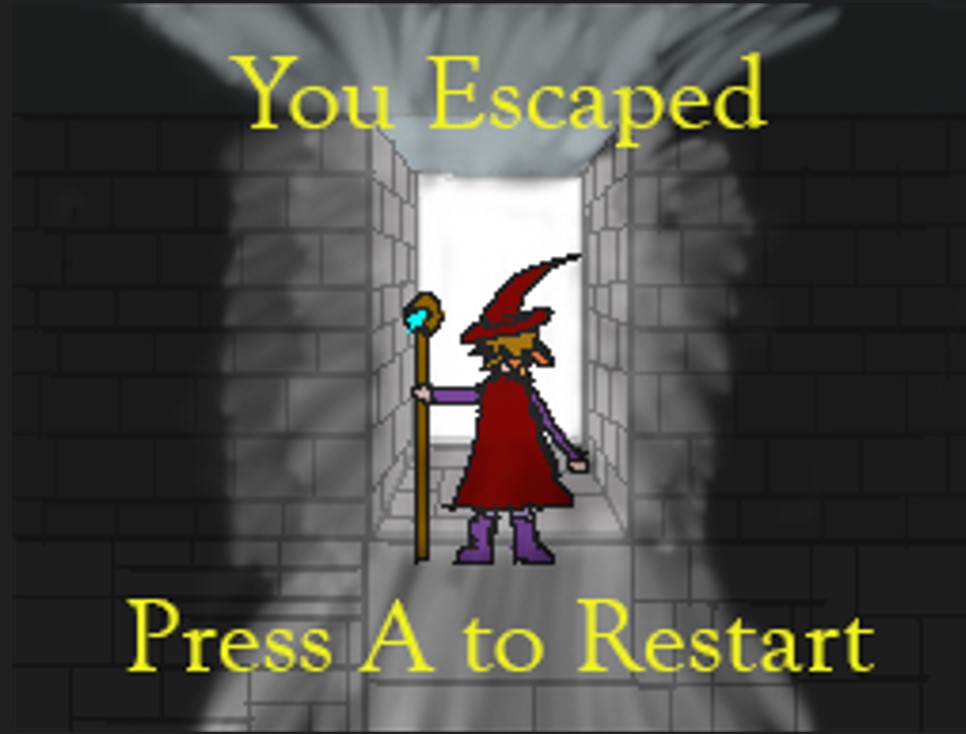
This is the winscreen the player receives after reaching the end of Eden. For this one, I used the guides in Adobe Photoshop to get the placement of the door correct, before I put in the witch. I also used layer masks to make the effect of light pouring in from the exit. Once again, I originally made places for buttons, but had to remove them and replace it with a prompt that says “Press A to Restart.” I’m still proud of how this turned out and just a little sad how hard it is to reach it.


Tiles from Eden
These are the astral-themed tiles I made for Eden on Cooper’s request, in order to decorate the walls and floors of the levels. I made these with Adobe Photoshop and used filters to make a metal-like texture. This was done first by adding a noise filter, and then adding a motion blur. I then brushed it up a bit using a layer mask before making it an overlay layer. After applying another noise filter and making it a linear burn layer, I added curves layer and brushed it up a bit more to get what you see here.
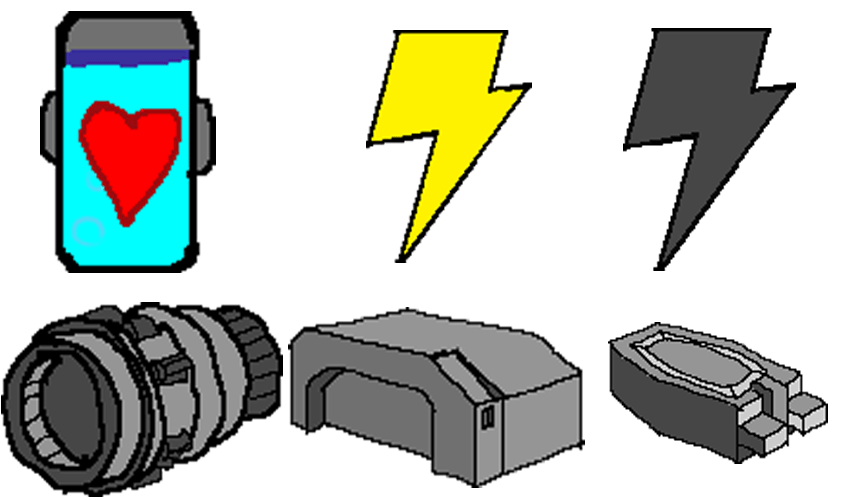
These are some of the UI icons I made for a side-scrolling platformer called Asteroid Escape. While working on this project, I was tasked with creating icons for lives, shockwaves, and the ship parts in the player’s inventory. Starting with the lives (top-left), their design was inspired by the lives in a flashgame called Bullethead, with the hearts being in a tank of liquid to fit with the theme of exploring an alien infested asteroid. The shockwave (top-right) was a limited attack that the player has to stun the enemies. I decided to display shockwaves in the UI using lightning bolts, with yellow bolts representing available shockwaves while used ones were gray. The three ship parts (bottom) were for the inventory when the player picked one up in the game. To create them, I took screenshots of the three models I made in 3ds max, and then traced over the images before adding in color. All six icons were drawn digitally in Adobe Photoshop.
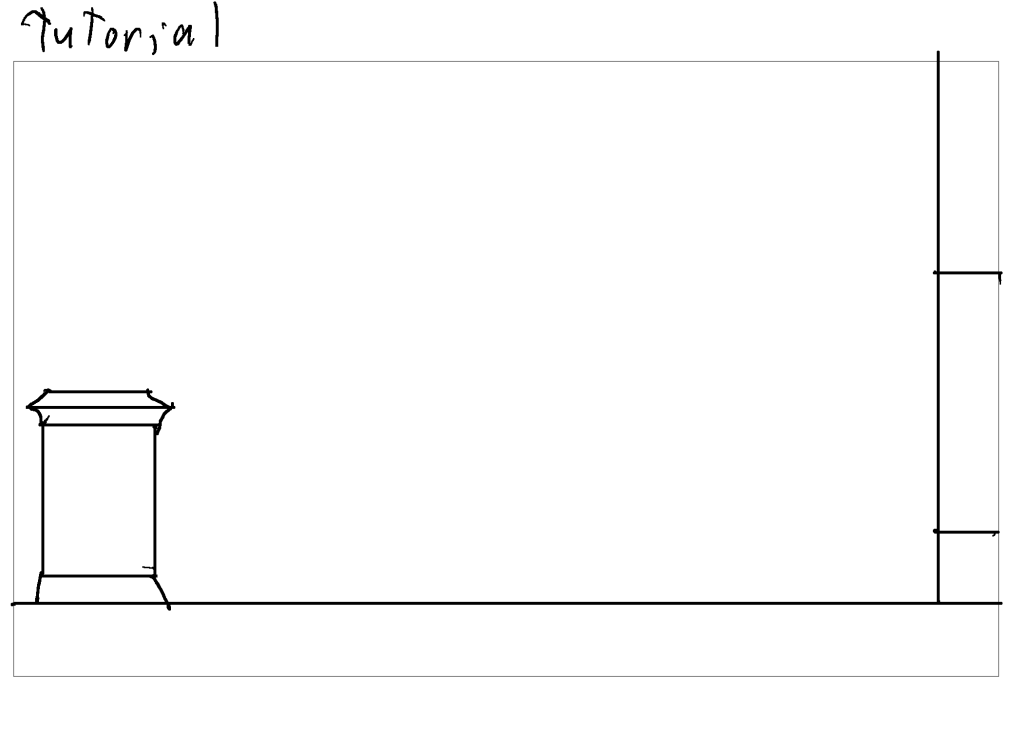


Concept Sketches for N.O.V.A. Escape Levels
These are the concept sketches I made for the levels of N.O.V.A Escape. Me, Zach, and the rest of the team decided upon making three levels for the initial build, and began planning out the layouts and obstacles for each. Going off of what Zach envisioned for the levels, as well as the plans in the design document, I created concept sketches for each of the levels. For example, Zach told me that the layout of Stage 1 should be shaped like a sideways question mark. All three concept sketches were made in Adobe Photoshop and drawn digitally with the use of a Huion drawing tablet.

Slimber Climber Spritesheet
This spritesheet shows some of the sprites I made while working on the game Slimber Climber. I made simple Goomba-like enemies shown in the top-left. I also had to animate the slime character for when he’s moving, jumping, and being hit. The shotgun was mostly use for mobility, and if I recall, something the slime finds while scaling the mountain. The icicle was an obstacle that would fall when the player passes over them. One note about all of these sprites is that they were made before I got a drawing tablet, so I drew them using my mouse and keyboard.
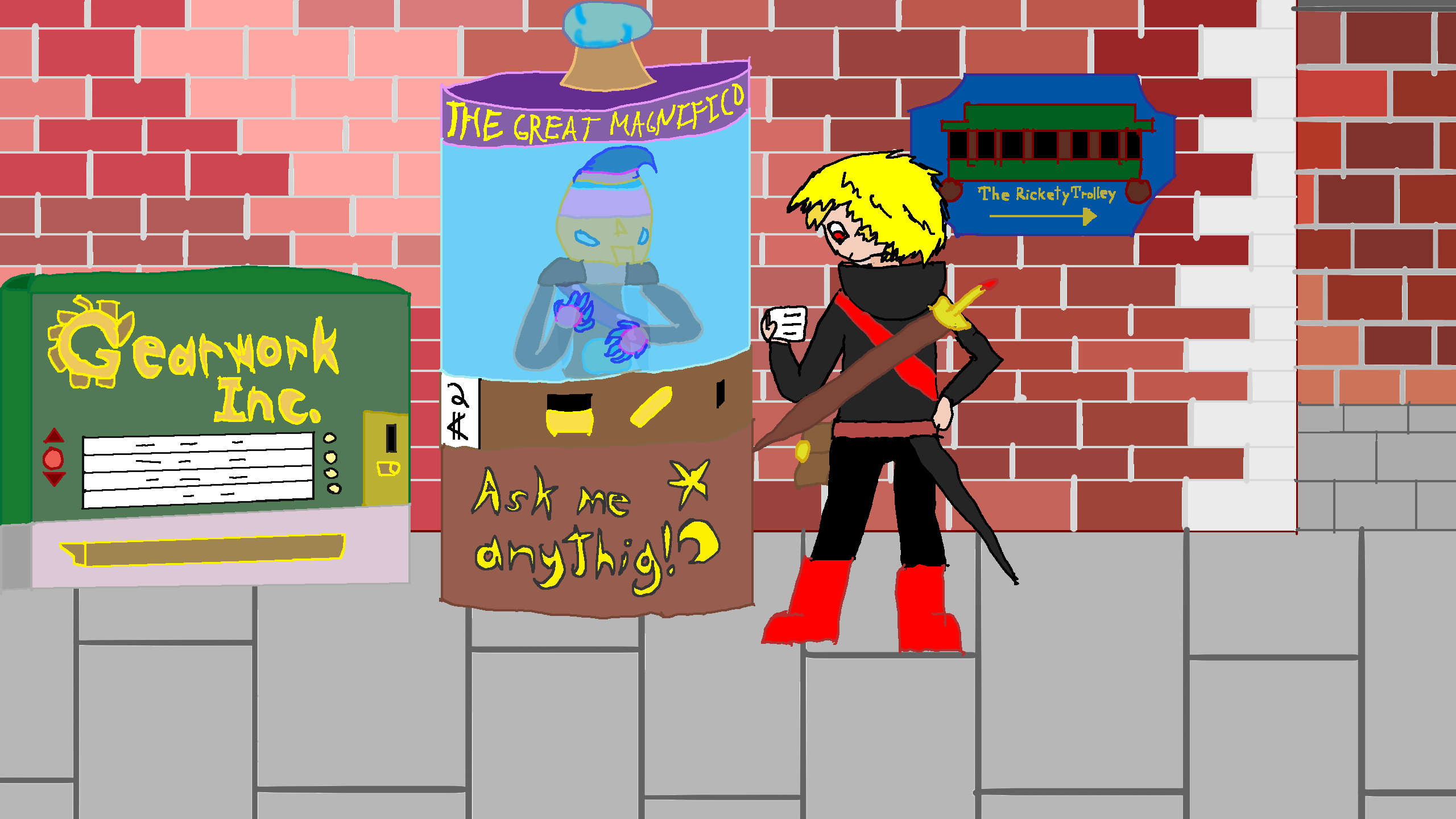
This is the title screen for a magic eight ball game I made that was based around one of those animatronic fortune teller machines you see at boardwalks. Originally, this image was hand drawn in a sketchbook, and then scanned onto my computer to be resized and cropped to fit the dimensions in Unity. This new version was drawn digitally in Adobe Photoshop using a Huion drawing tablet.
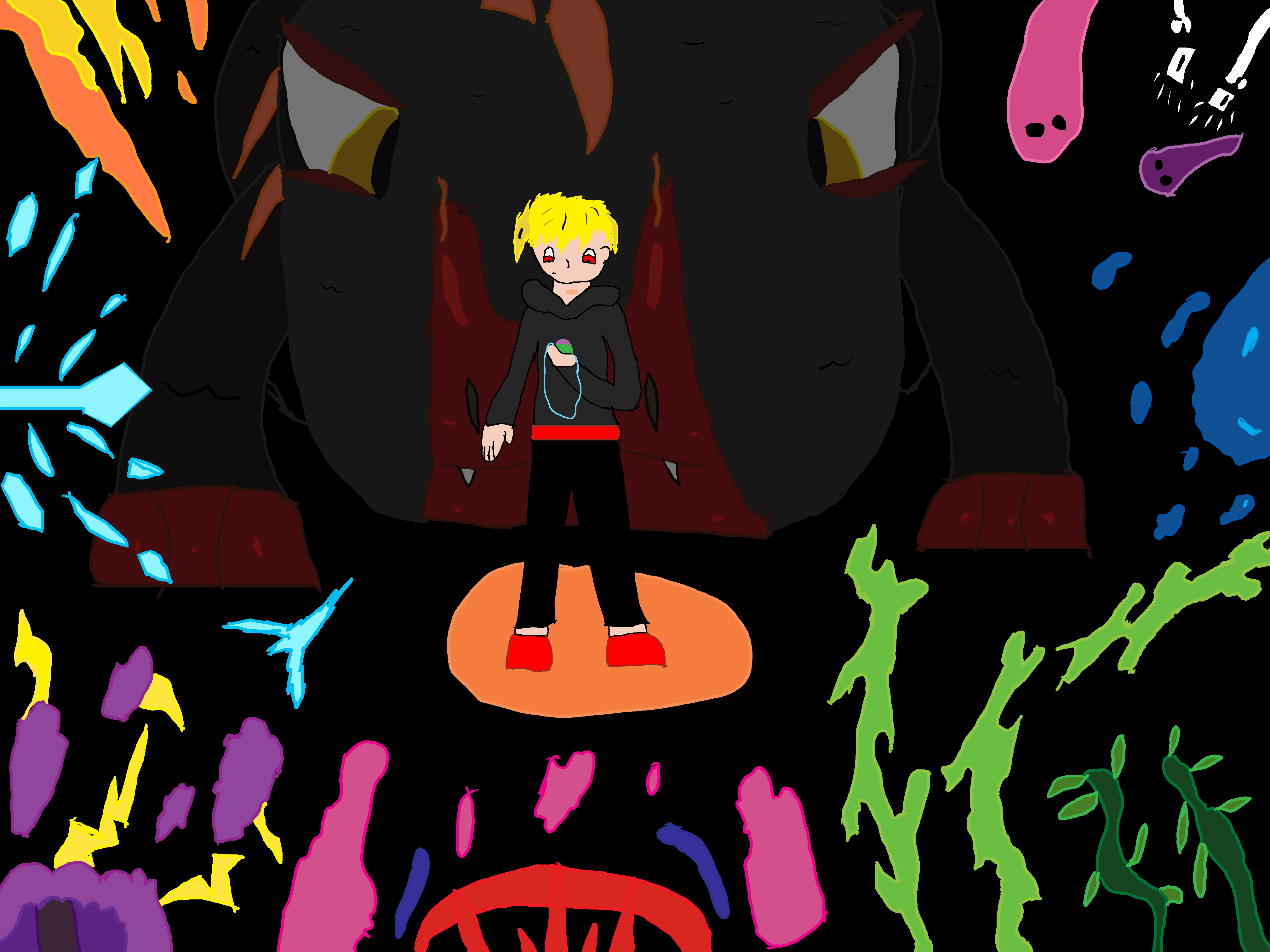
This was the end screen for a small 2D adventure game I made based on my ongoing personal project, Dragon’s Blood. When I first made this, I hand-drew the image on paper before scanning it onto my computer to be cropped and resized for Unity. This new version of the end screen I drew digitally in Adobe Photoshop.
 William Tyler